Rust async data plane
Lock-free connection pooling on an async runtime removes contention bottlenecks and saturates the NIC.
241,344.46 Req/s · 197.70 MB/s
A Rust async data plane paired with a Go control plane. wrk-verified: peak throughput at 6.03x frp, 558.51μs average latency, zero errors under full concurrency.
Grab the desktop app for Windows or macOS — or the single-binary CLI for Linux servers.
Create a free account in the console and issue your client ID / secret with one click.
Desktop: pick a relay node and hit start. CLI: paste your credentials into the command builder below.
Lock-free connection pooling on an async runtime removes contention bottlenecks and saturates the NIC.
241,344.46 Req/s · 197.70 MB/s
Built-in congestion control absorbs jitter on lossy links; 0-RTT handshake pushes short-connection latency under 2ms.
1.84 ms
connect mode punches holes via WebRTC: both endpoints exchange traffic directly, bypassing the relay server entirely.
Server and client are the same executable; one Docker line to start. The client sits around 17MB RSS, happy on a cheap VPS or a Raspberry Pi.
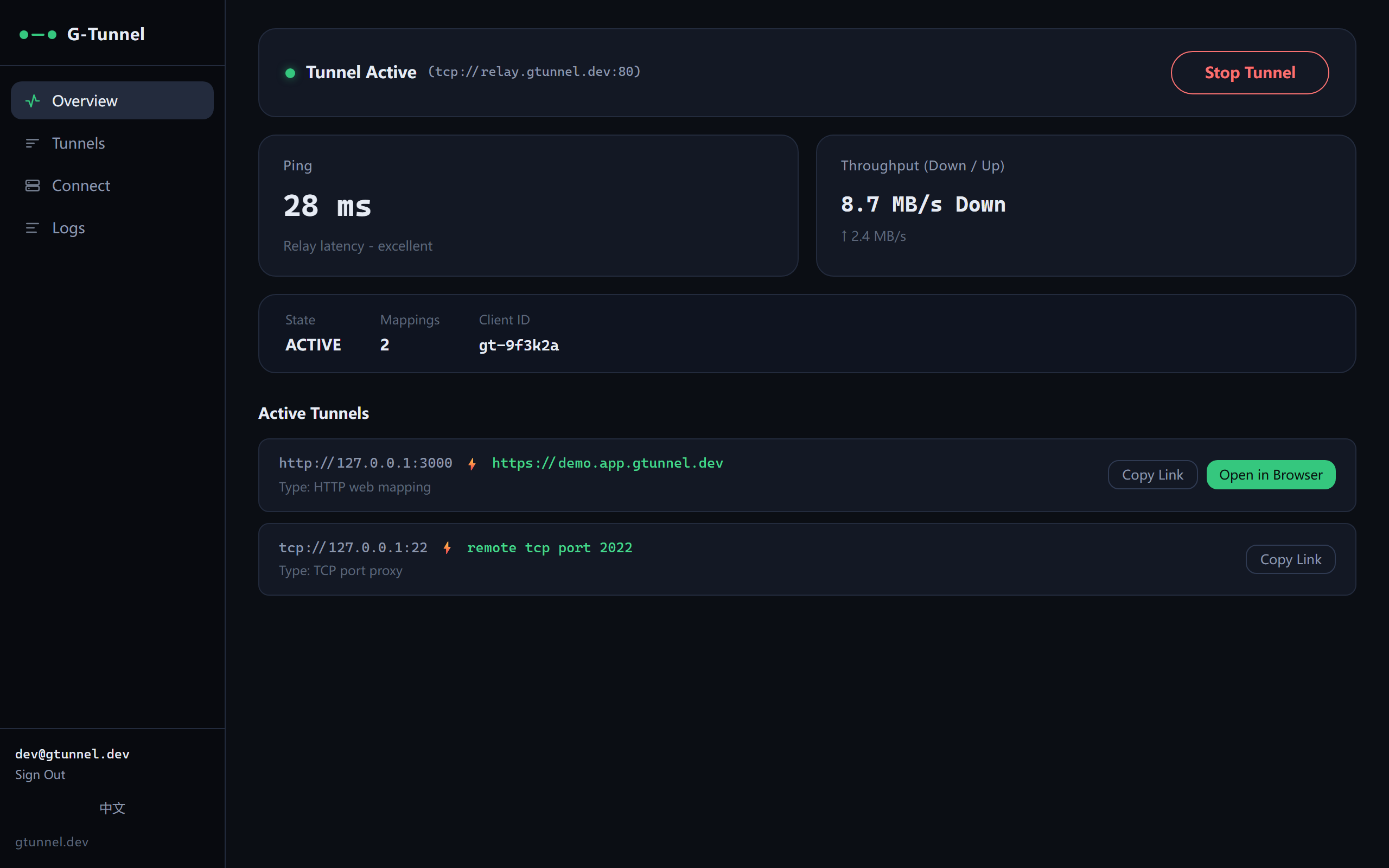
GT-Desktop ships the gt engine in a native app: sign in once, pick a relay node, one click to put a local port on the internet. No terminal, no config files.
DMG bundle with the gt worker. Ad-hoc signed — right-click the app and choose Open on first launch.
DownloadAll numbers come from wrk runs (-c 100 -d 30s -t 10) against a local nginx. Full commands and raw logs live in core/README_CN.md.
Every plan runs on the same relay nodes with the throughput you saw above. Prices are in USD and payments are handled by Paddle; upgrade, downgrade or cancel in the console at any time.
$0forever
No credit card required.
$2.99/mo
or $29.99/yr — two months free.
$4.99/mo
or $49.99/yr — two months free.
Quotas apply per account. The service is provided on a best-effort basis and the free tier carries no availability guarantee — see the Terms.
Single static binary, no install step; server and client are the same executable. Direct links point at GitHub Releases.
curl -fsSL https://gtunnel.dev/install.sh | sh
The script detects your OS and CPU architecture, pulls the matching binary from GitHub Releases and installs it to /usr/local/bin (or ~/.local/bin without root). Pin a version with GT_VERSION, point GT_REPO at your own fork, and sha256 verification runs automatically whenever the release ships checksums.txt.
Fill in your relay parameters and get the client launch command. No ID or secret yet? Issue one in the console — it takes about a minute.
./gt client -local http://127.0.0.1:80 -remote tcp://id1.example.com:12080 -id pi -secret secret1